Official TR Photo forum Chop Battle


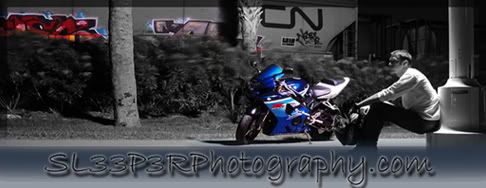
SL33P3RPhotography.com
Joined: Sep 2005
Posts: 102
Likes: 0

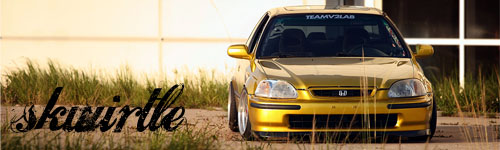
Just did a little more work on mine.
I duplicate the layer I want to color, then for color change I use Image>adjustments>color balance. and I can change it from there. Then I erase the stuff on the top image that I want to show through (ie. rims, windows...etc)
I duplicate the layer I want to color, then for color change I use Image>adjustments>color balance. and I can change it from there. Then I erase the stuff on the top image that I want to show through (ie. rims, windows...etc)
__________________