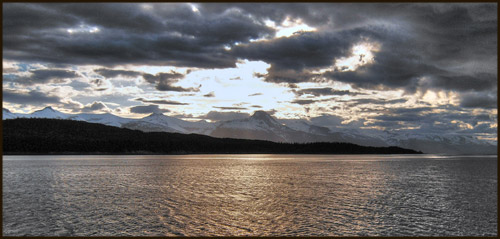
Oh sorry, forgot about the PM..... Instead of filling with a color and changing blending modes, try "Edit > Adjustments > Hue/Saturation" click colorize. You can even desaturate before that, sometimes makes it easier. Also try "Edit > Adjustments > Photo Filter" Click the button next to Color then click the orange box to change the color. You may want to uncheck Preserve Luminosity and play with the density. There are a ton of ways to do this, these are only a few.
Also, practice with the pen tool to create selections. The polygonal lasso will work for straight edges like this house but for objects with curves, you want to get to know your pen tool.
__________________
Gripped XS | 18-55 IS | 50mm f/1.8 MK II | Sunpak 5000af